Select "Risks & Opportunities" in the menu and open the risk or opportunity already created in the list by clicking on the line.
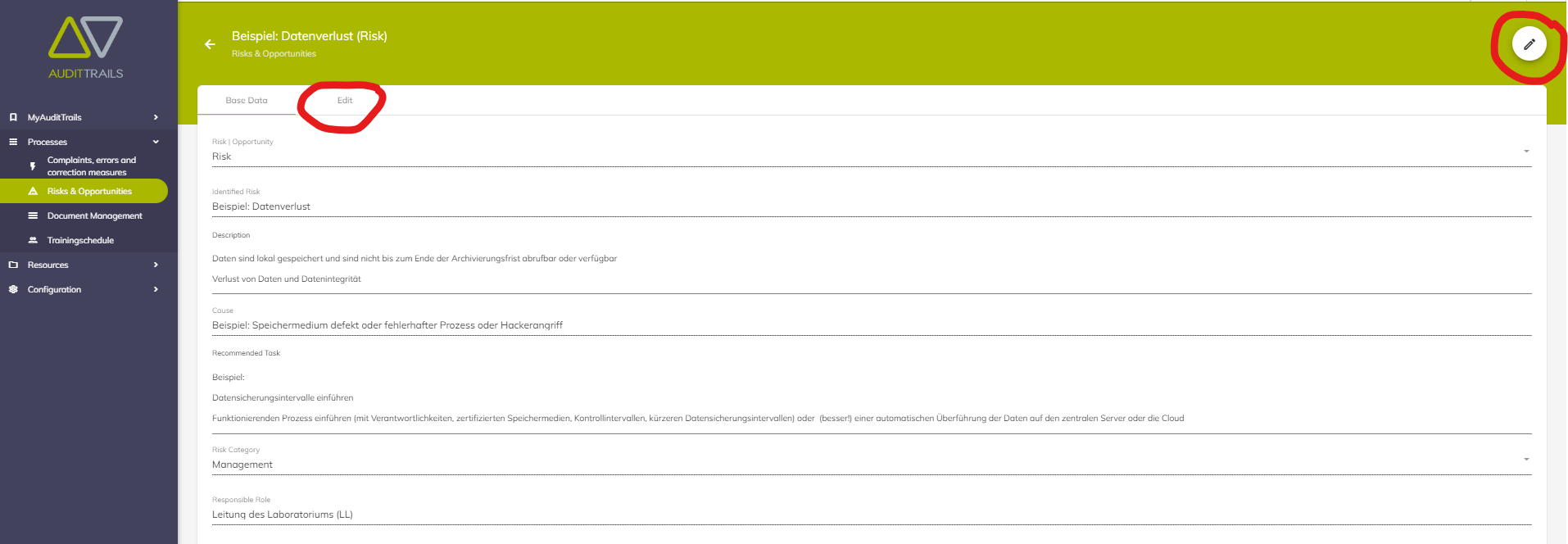
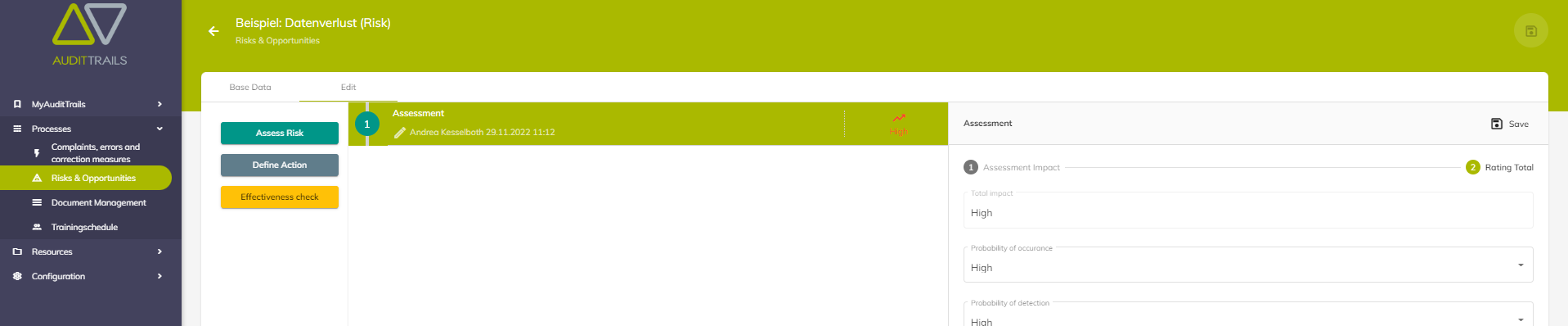
In order to be able to evaluate the identified risk or opportunity, the "Edit" button at the top right must first be pressed. Then, under the "Edit" tab, the evaluation can be started with the "Assess Risk" button.

The evaluation takes place in 2 stages. The first level is the impact assessment and the 2nd level is the Total rating. It is possible to switch between the levels at any time.

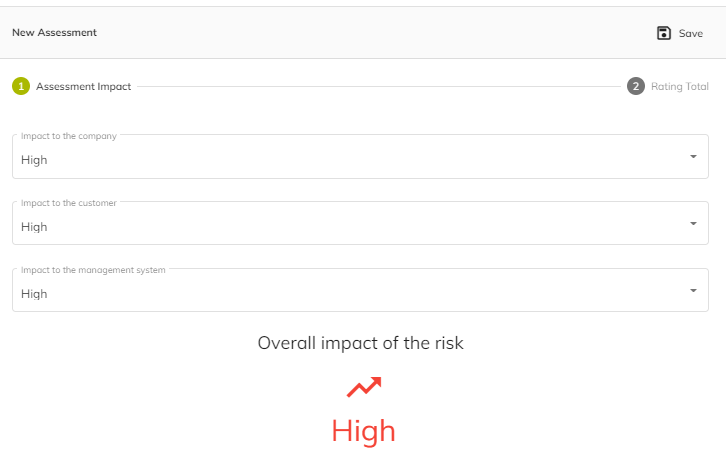
When evaluating the impact, 3 considerations must be taken into account.
1. how great is the impact of this risk or opportunity on the company?
2. how great is the impact of this risk or opportunity on the customer, and
3. how big is the impact of this risk or opportunity on the management system.
Each consideration can be categorized as high, medium or low. The impact of these 3 considerations is immediately visible in the lower area.
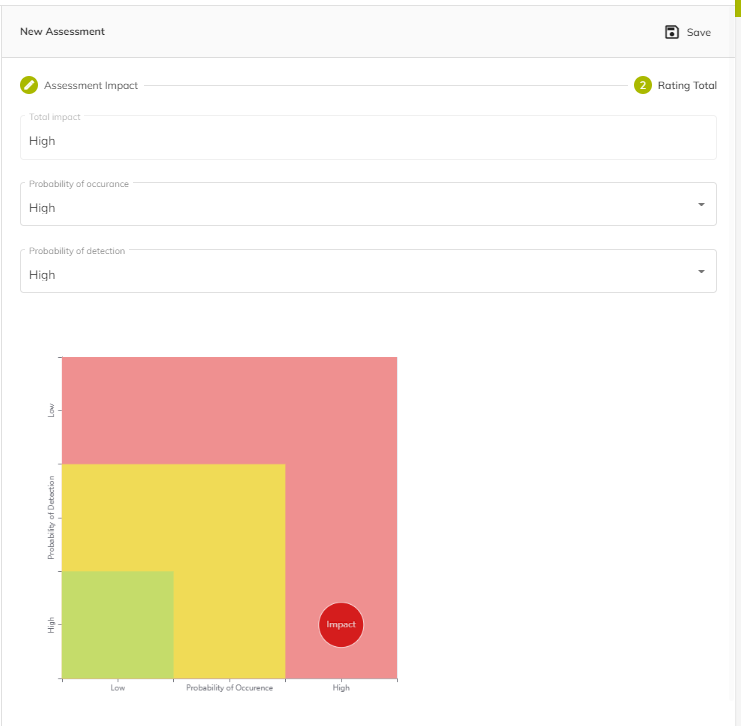
In the 2nd level, 2 considerations must be taken into account.
1. how probable it is that this risk or opportunity will occur again
2. how likely it is that this risk or opportunity will be detected.
A high probability of detection is positive for your company, customer or management system and therefore has a reducing effect on the overall rating.
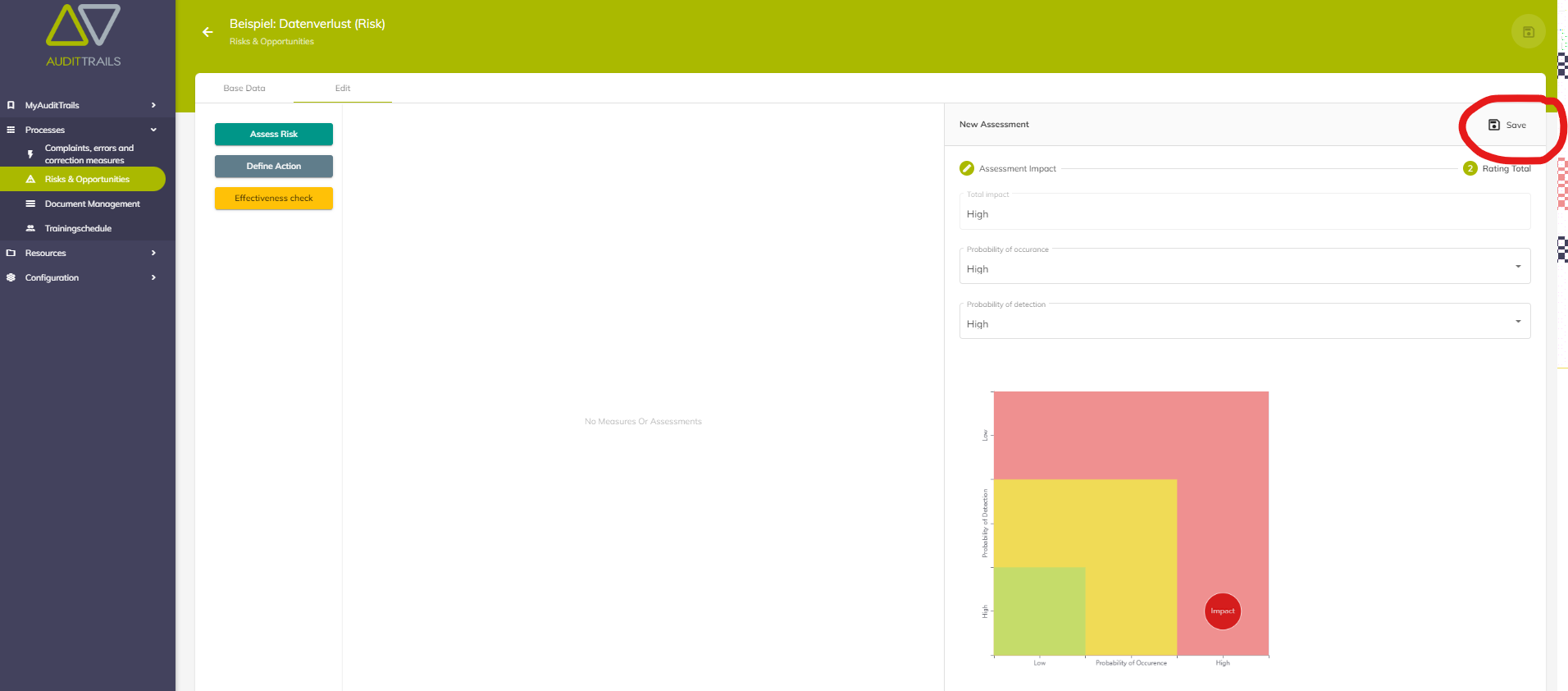
To complete the evaluation, it must still be saved.
War dieser Artikel hilfreich?
Das ist großartig!
Vielen Dank für das Feedback
Leider konnten wir nicht helfen
Vielen Dank für das Feedback
Feedback gesendet
Wir wissen Ihre Bemühungen zu schätzen und werden versuchen, den Artikel zu korrigieren